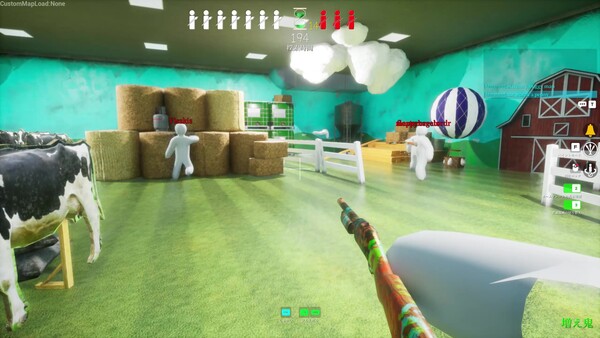
Paste a surface hex code plus FF alpha into the in-game Hex sRGB field, then fix brightness, material, and silhouette. A pasted color alone does not hide you.
Last checked: 2026-07-13
Source basis: all measured values below come from the Steam community guide “Exact color codes for every surface — all 7 base maps” (screenshot-sampled with perceptual color math) and the community paint/material guide. They are community-sourced center values, not official patch data.
Color matching in MECCHA CHAMELEON is useful, but exact color is only one part of hiding. A good match also needs material, roughness, lighting, and silhouette control. This page lists 52 measured surface colors across all 7 base maps and shows how to actually use them in a round.
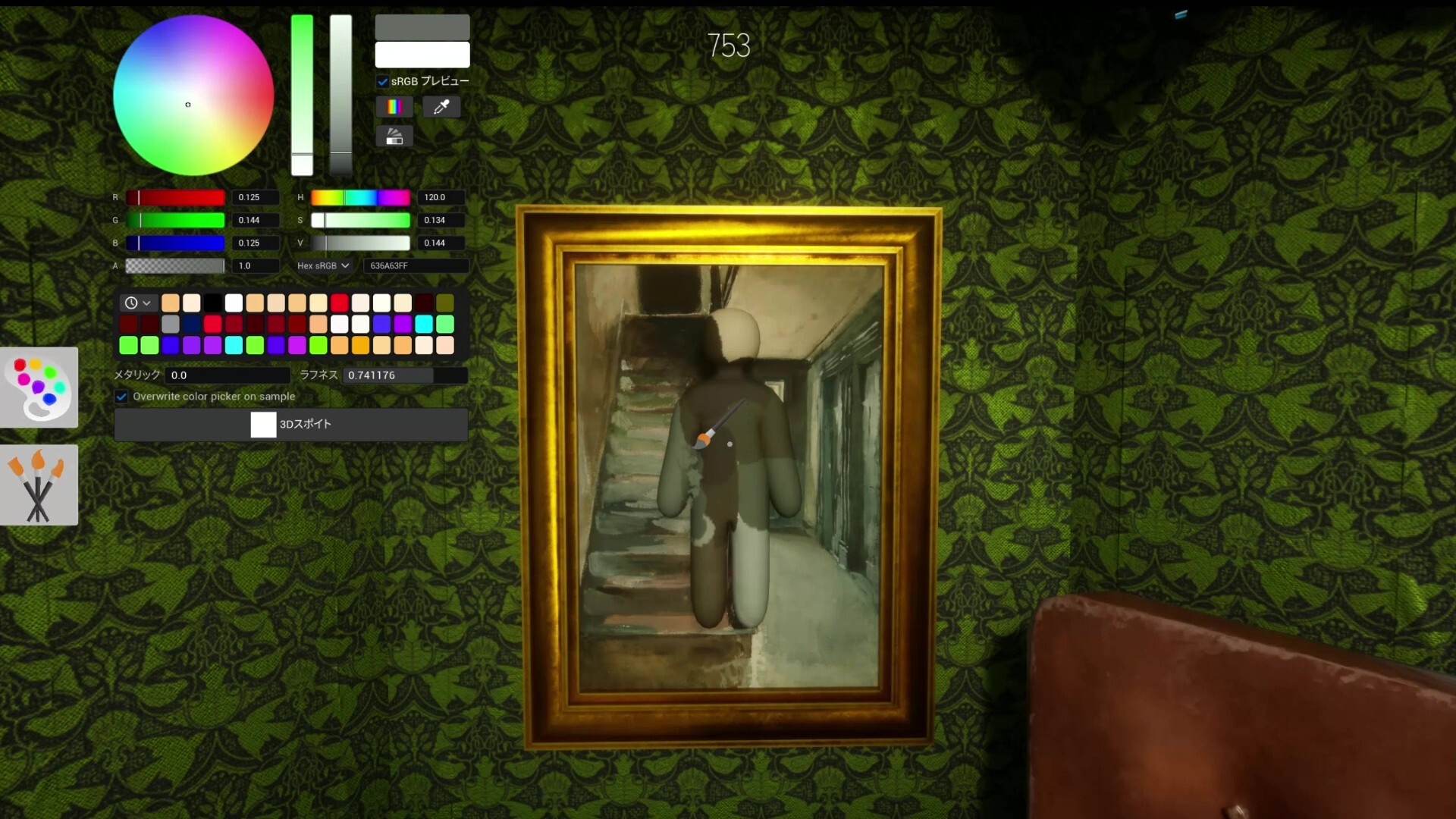
First match the local brightness, then the color family, then material/shine. A slightly wrong green in the right shadow beats a perfect green pasted onto a bright human outline.
How to enter a color code in-game
The in-game picker has a Hex sRGB field, so you can paste a value directly instead of fighting the eyedropper or sliders:
- Copy a surface value from the tables below — click any code to copy it — for example
2b4660. - Add
FFfor alpha and paste it as:
2b4660FF- Check material next: the eyedropper and a pasted hex do not set Metallic and Roughness, so adjust those manually.
Note on sliders: S and V run 0–1 in-game, so a tool that shows S=53 means 0.53 here.
Every swatch below also has a Hide here → link: it loads that exact surface into our Color Trainer so you can practice matching it by eye — and when you want the other side of the round, go hunt one in Spot the Chameleon.
How close is “close enough”?
The source guide measures color distance with ΔE (CIELAB), which tracks how human eyes compare colors. Its rule of thumb:
Treat every code below as the middle of the surface’s real range, then confirm from the Seeker’s likely distance and angle.
Hide-and-Seek Mansion color codes
2c3611Hide here →
698590Hide here →
351d0e · 402513 · 18120eHide here →
d0c9aa · d5cab8 · b1966cHide here →
8a6a49 · 311407Hide here →
6e3624 · 796440 · 594a56 · eae2caHide here →
bebeb7Hide here →
205877Hide here →
042722Hide here →
481d17Hide here →
481f0eHide here →
664c33 · 2d2316Hide here →
Sewer color codes
3e2911Hide here →
2a1e14Hide here →
0e3716 · 972711Hide here →
0e0908Hide here →
971e0b · b37505Hide here →
2f3a3a · 3a4744Hide here →
Backrooms color codes
b6b35c · a89b45Hide here →
e7e4b7Hide here →
d8d2b0 · 5d562cHide here →
efe9b8Hide here →
Indoor Country color codes
78cdae · 3f8a86Hide here →
947141 · 5a532cHide here →
cb705bHide here →
accc77Hide here →
c69a5e · b0834aHide here →
Penguin Hotel color codes
2b4660 · 264551Hide here →
4f556e · 1f3142Hide here →
a7bfbd · 254c6a · 848982 · 211b22Hide here →
5a4c44Hide here →
381f0eHide here →
0b0e0dHide here →
005f8d · 35557cHide here →
060062 · 1c2a48Hide here →
bccedeHide here →
40648cHide here →
Sugar Land color codes
29bc45 · 00e003Hide here →
dca8afHide here →
553627 · cad7cfHide here →
becbc1Hide here →
dfb855Hide here →
0dd94dHide here →
6ec7d6Hide here →
b0c6cfHide here →
Osaka color codes
606066 · 68555cHide here →
908d92Hide here →
7b1f2eHide here →
7a5636 · 5f4128Hide here →
6542c5Hide here →
bf7a34Hide here →
15c2deHide here →
The useful color-matching workflow
Use this order in live matches:
- Pick the surface you want to imitate.
- Paste or sample the main color.
- Paint large body areas first.
- Adjust material: matte, glossy, metallic, dusty, wet, or polished.
- Rotate the camera and check from the Seeker’s likely angle.
- Hide body landmarks: head, shoulders, knees, elbows, feet.
Do not spend the whole round chasing a perfect hex value while standing in an obvious human pose.
Why your sampled color still looks wrong
Common reasons:
- The surface is glossy and your body is matte.
- The surface is matte and your body reflects too much light.
- The area is in shadow but you sampled a lit pixel.
- The wall has a repeating pattern and your pose breaks the pattern.
- The map has randomized furniture or lighting changes after updates.
- You checked from close-up instead of from the Seeker’s distance.
Practical rule
Aim for “believable at a glance,” not perfect in a vacuum. Seekers do not inspect a color picker; they scan for things that do not belong.
Related pages
- Paint System Guide
- Maps Guide
- Hider Guide
- Why was I spotted?
- Color Trainer mini-game — practice matching these surfaces by eye